Shrink
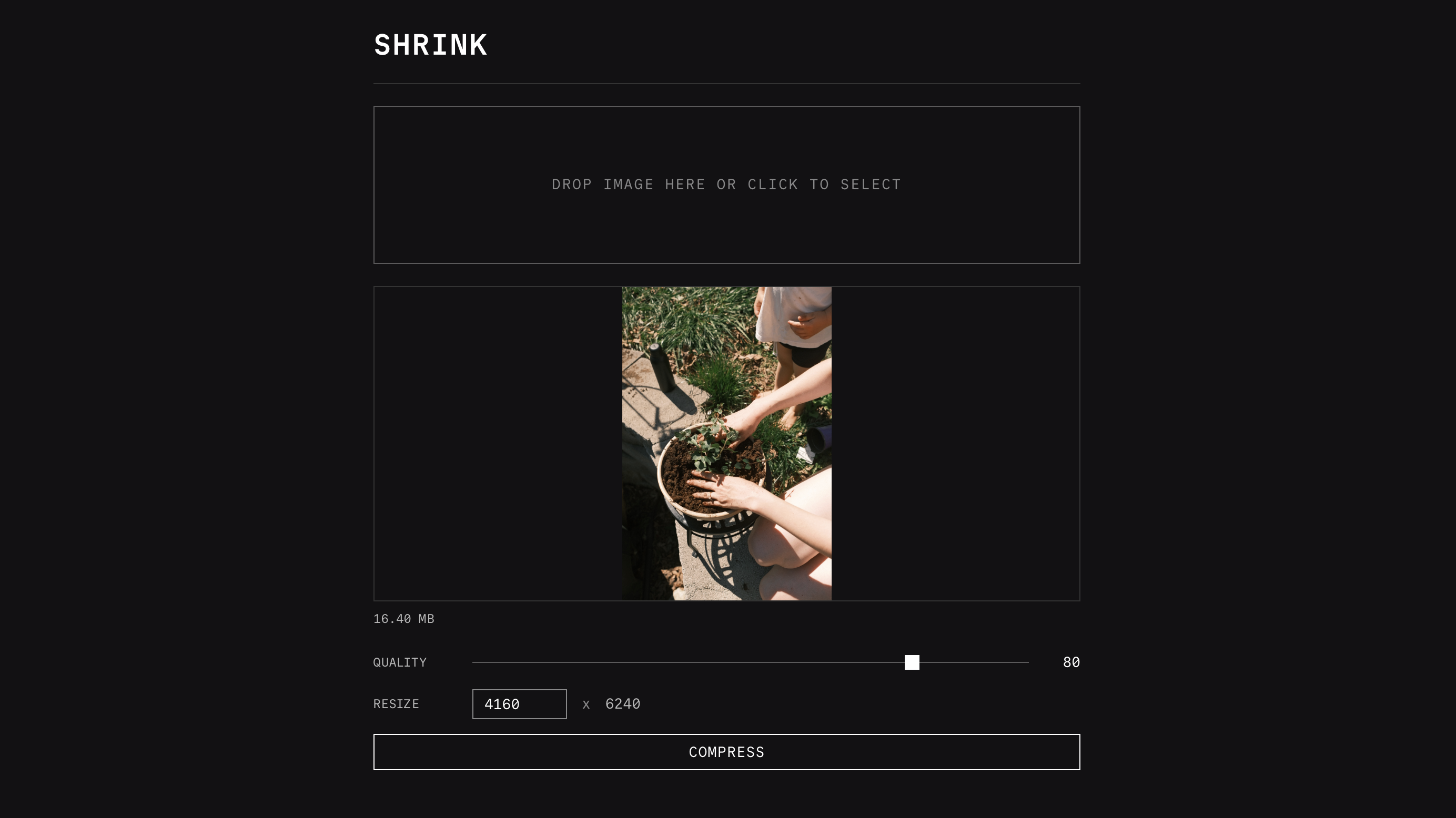
A simple self-hosted tool for compressing and resizing images. Upload an image, set your desired quality and optional width, and download the compressed JPEG.
- Single Go binary
- Compress images to JPEG with configurable quality (1-100)
- Optional resize by width (preserves aspect ratio)
- 20MB upload limit
Configure
Environment Variables
| Variable | Description | Default |
|---|---|---|
HOST | Server bind host | 127.0.0.1 |
PORT | Server bind port | 3000 |
Deploy
Railway
The easiest way to deploy Shrink is with the one-click Railway template. See the Deploying with Railway guide for a walkthrough of the process. Shrink needs no environment variables beyond the defaults.

Docker
cd apps/shrink
docker compose up -dThis will start Shrink on port 3000.
Binary
Install with Homebrew:
brew install stevedylandev/tap/shrinkOr grab a prebuilt binary from the releases page.
You can also build from source:
cd apps/shrink && go build .The resulting binary is self-contained. Copy it to your server and run it directly.
Use
Upload an image, set your desired quality (1-100) and an optional target width, then download the compressed JPEG. Aspect ratio is preserved when resizing.
JPEG EXIF metadata is preserved after recompression, with GPS data stripped. Upload limit is 20 MB.