Cellar
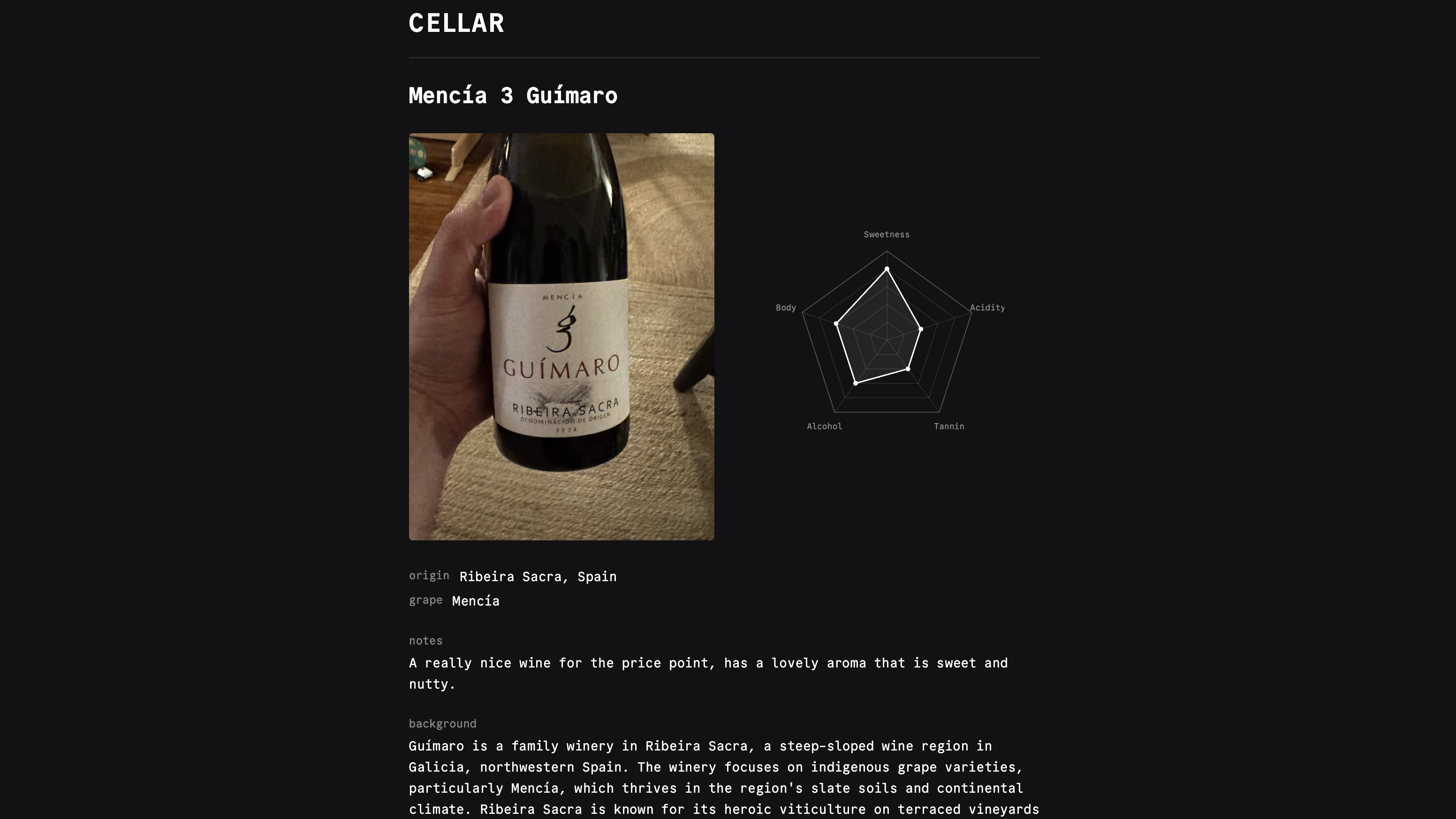
A simple, self-hosted wine collection app built in Go.
- Single binary with embedded assets
- Password authentication with session cookies
- Add, edit, and delete wines from your collection
- AI-powered tasting notes via Claude
- Pentagon and bar visualizations for wine profiles
- Image upload with automatic JPEG processing
- Dark themed UI with Commit Mono font
- SQLite for persistent storage
Configure
Environment Variables
| Variable | Description | Default |
|---|---|---|
CELLAR_PASSWORD | Password for login authentication | changeme |
CELLAR_DB_PATH | SQLite database file path | cellar.sqlite |
ANTHROPIC_API_KEY | Anthropic API key for AI features | |
SITE_URL | Public URL for RSS feed and links | http://localhost:3000 |
SITE_TITLE | Site title for RSS feed and metadata | Cellar |
SITE_DESCRIPTION | Site description for RSS feed and metadata | Personal wine tasting log |
HOST | Server bind address | 127.0.0.1 |
PORT | Server port | 3000 |
COOKIE_SECURE | Enable HTTPS-only cookies | false |
The ANTHROPIC_API_KEY is optional but required for AI-powered tasting notes and image analysis.
Deploy
Railway
The easiest way to deploy Cellar is with the one-click Railway template. See the Deploying with Railway guide for a walkthrough of the process. Cellar requires CELLAR_PASSWORD during the configure step, and optionally ANTHROPIC_API_KEY if you want AI-powered tasting notes and image analysis.

Docker
git clone https://github.com/stevedylandev/cellar.git
cd cellar
cp .env.example .env
# Edit .env with your password and Anthropic API key
docker compose up -dThis will start Cellar on port 3000 with a persistent volume for the SQLite database.
Binary
Install with Homebrew:
brew install stevedylandev/tap/cellarOr grab a prebuilt binary from the releases page.
You can also build from source:
cd apps/cellar && go build .The resulting binary at ./cellar is self-contained with all assets embedded. Copy it to your server with a configured .env file and run it directly.
Use
Your wine collection is publicly viewable at / with individual wine pages at /wines/{short_id}. The /wishlist page lists wines you want to try but haven't tasted yet — no scores, no pentagon chart, just the basics. Promote a wishlist wine once you've tasted it to move it into the main cellar and fill in scores.
Admin
Log in at /admin/login with your configured password to access the admin pages.
| Page | Description |
|---|---|
/admin | Admin dashboard listing every wine in your collection |
/admin/new | Add a new wine, optionally using AI image analysis to prefill details |
/admin/edit/{short_id} | Edit an existing wine |
/wishlist | Wishlist view — shows inline edit/promote/delete actions when logged in |
/admin/wishlist/new | Add a new wine to the wishlist (no scores) |
/admin/wishlist/edit/{short_id} | Edit a wishlist wine |